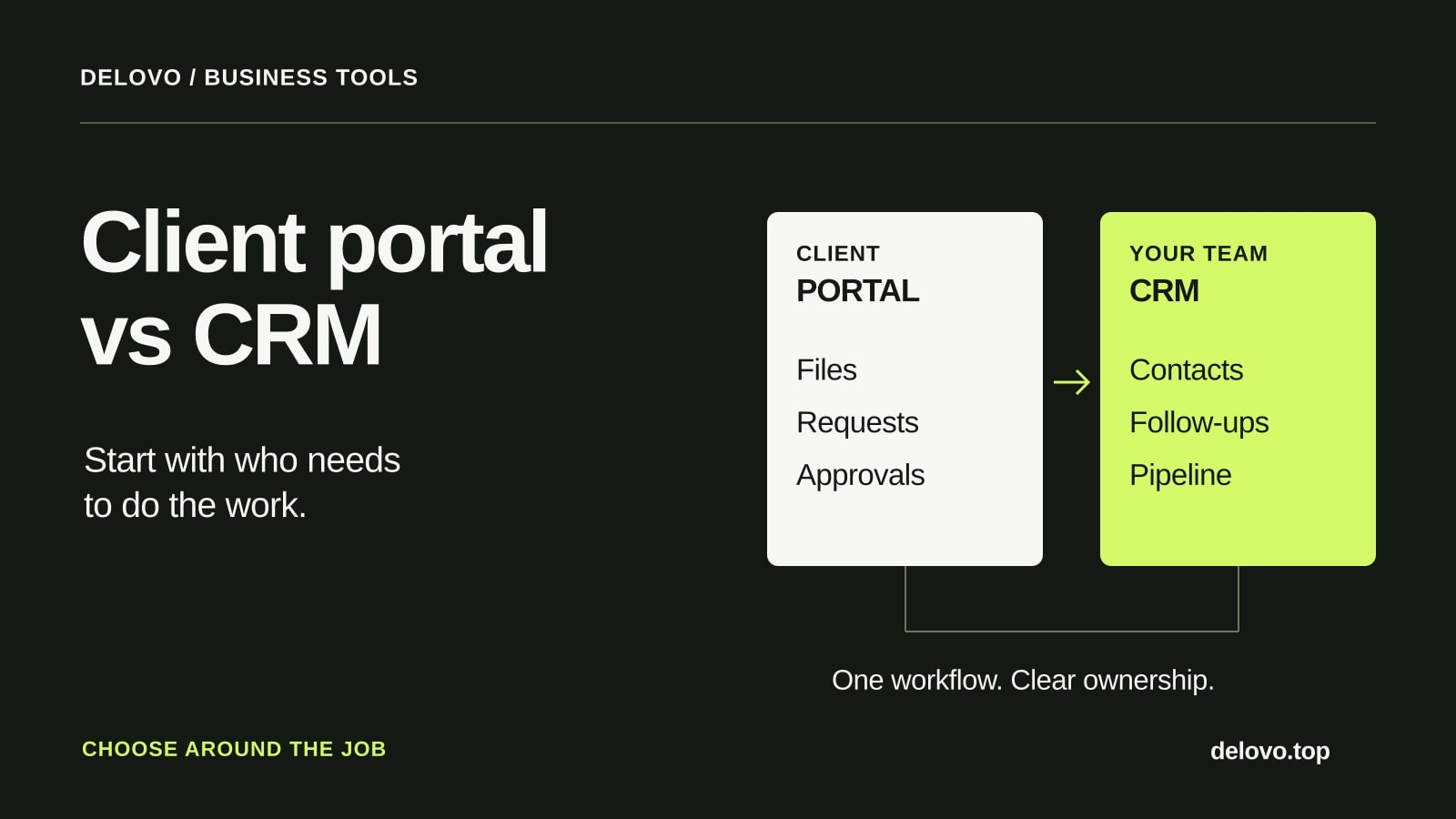
Start with the work that is getting stuck. If your team loses track of enquiries, follow-ups and customer history, investigate your CRM process first. If customers repeatedly ask for files, progress updates or a place to submit information, a client portal may help. Some businesses need both; others can solve the problem with the tools they already use.
The decision is easier when you separate the internal work from the customer journey, then test how they connect.
What each system is for
A CRM helps staff manage relationships with prospects and customers. Typical work includes maintaining contact records, assigning follow-ups and tracking opportunities or service interactions. Salesforce's CRM overview describes these core functions, although exact features vary by product and plan.
A client portal gives customers a controlled place to complete specific tasks: check a request, upload a document, review a deliverable or access information relevant to their account. “Portal” describes an experience, not a standard feature package. One product may handle support tickets while another supports project approvals.
The categories overlap. Your existing CRM or service platform may already provide a customer-facing portal. Buying a separate product or commissioning a custom build is a choice to evaluate, not a necessary next step.
CRM and client portal compared
| Question | CRM | Client portal |
|---|---|---|
| Who mainly uses it? | Your sales, service or operations team | Customers and the staff supporting them |
| What work does it organize? | Contacts, activities, ownership and relationship history | Customer-visible tasks, information and requests |
| What might a first release include? | Contact records, stages, owners and follow-up tasks | One request flow, relevant status and approved files |
| What should remain restricted? | Internal notes, forecasts and staff-only fields | Other customers' records and internal information |
| What should you measure? | Missed follow-ups, ownership gaps and record quality | Task completion, repeat questions and support effort |
| What is a common failure? | Staff maintain a second spreadsheet because the setup is awkward | Customers avoid logging in because the portal adds work |
These are planning distinctions. Evaluate the actual product against your workflow rather than relying on its category name.
Choose the first step by the recurring problem
Start with the CRM when ownership is unclear
Look for enquiries sitting in personal inboxes, duplicate customer records, or follow-ups that depend on someone's memory. Before changing software, agree what counts as a lead, who owns it and what the next action should be.
A portal cannot supply reliable progress updates if staff do not maintain the underlying records. Fixing a small number of fields and responsibilities may be more useful than adding another interface.
Consider a portal when customers repeat the same tasks
A portal is worth investigating when customers regularly need information or actions that can be presented clearly and safely. Check whether the need is frequent enough to justify another login. Ask a few customers how they currently find files, submit requests or approve work.
Occasional document sharing may be adequately handled by your existing project tool or controlled sharing links. Check access and revocation behavior. If customers prefer an established channel, first see whether clearer updates and better internal routing would solve the problem.
Connect both when a customer action changes staff work
For example, a submitted request could create a service item for the team, while a staff-approved status change appears in the customer's portal. Define that handoff before selecting software. The portal should show information staff can keep accurate and customers can understand.
Check what your existing software actually supports
Ask for a demonstration using your workflow. A feature called “customer portal” might not include document approvals, invoices or project tracking.
For example, HubSpot's current support portal documentation describes a login-protected space for support tickets. It states that only tickets appear and documents different rules for access to an individual's or company's tickets. That can fit a support workflow, but it does not establish suitability for a broader client workspace. Check the current subscription requirements and limitations for your account.
Compare configuration, an existing add-on and custom development against the same requirements. Include staff and customer access, storage, integrations, exports, setup, ongoing administration and support. A low subscription price can still leave significant work outside the product.
Custom development is a reasonable option when an important workflow or permission model cannot be implemented adequately in existing tools. Document that gap first. If the process itself is unsettled, test it manually before paying to automate it.
Agree on data ownership and permissions
Decide which system controls each fact
Record where customer identity, contact details, project status and documents are maintained. The CRM might own contact details while a project tool owns delivery status. Define which changes flow in which direction and what happens when systems disagree.
Specify the customer-facing meaning of each status. “In progress” should describe a real stage, with an owner responsible for updating it. If synchronization fails, decide whether the portal shows the last known update with a timestamp or temporarily withholds the affected information.
For requests, agree how repeated submissions are recognized and how staff recover an incomplete handoff. Delovo's Telegram bot CRM integration guide covers these issues for a different customer channel; the request-ownership questions are useful here too.
Treat each customer's access as a separate requirement
Signing in identifies a user. The application must also check what that user is allowed to view or change. OWASP's authorization guidance recommends minimum necessary access, denial unless access is granted, and permission checks on every request.
Ask the implementer to demonstrate that one customer cannot retrieve another customer's files or records by changing a URL or identifier. Cover attachments and downloads as well as visible screens. Define whether customer colleagues share access, who can invite them, and what happens when someone leaves. Test removal of access explicitly.
Collect only information the workflow needs. Agree who handles retention, deletion, export and access reviews before loading real customer data.
Hypothetical example: a creative agency
Imagine a small agency that already tracks prospects in a CRM but manages project feedback through long email threads. This is a hypothetical planning example, not a Delovo client case or a claim about results.
The team first tests whether its existing project tool can provide suitable guest access. Its essential customer task is reviewing the latest deliverable and leaving feedback. The agency needs clients to see only their own projects, distinguish current files from older versions, and understand who responds next.
If the existing tool meets those needs, a separate portal may add little value. If it cannot support the required access or review flow, the agency can scope a narrow portal around that gap. The CRM remains responsible for sales follow-ups; there is no need to duplicate its entire pipeline for customers.
Pilot one customer journey before expanding
Choose a small, agreed pilot group and one task with a clear beginning and end. Record the current process first, including the staff time and questions it creates.
During the pilot, check whether customers can complete the task, whether staff receive usable information, and whether everyone knows what happens next. Test expired invitations, failed uploads, unavailable integrations and revoked access. Keep a clear support route for anyone who gets stuck.
Define the decision in advance: continue, change the workflow, use an existing tool, or stop. Expansion should follow useful evidence from the pilot.
Questions to answer before buying or building
- What recurring problem are we solving, and for whom?
- Can our current software support the complete journey?
- Which system owns each record and update?
- What can each customer role view, submit or change?
- Who handles failed handoffs, access changes and support?
- What are the ongoing costs and the practical export path?
- What evidence will tell us the pilot is worth continuing?
Send Delovo a short project brief with your existing tools, the customer task that is getting stuck and the access rules that matter. Describe the workflow without sending customer databases or credentials. That provides a useful starting point for discussing configuration, integration or a focused custom build.
Sources and further reading
Platform features can change. Check the linked official documentation when planning your project.